This article will guide employees, faculty, students, and alumni on how to install CEIBS iCampusPlus on iOS.
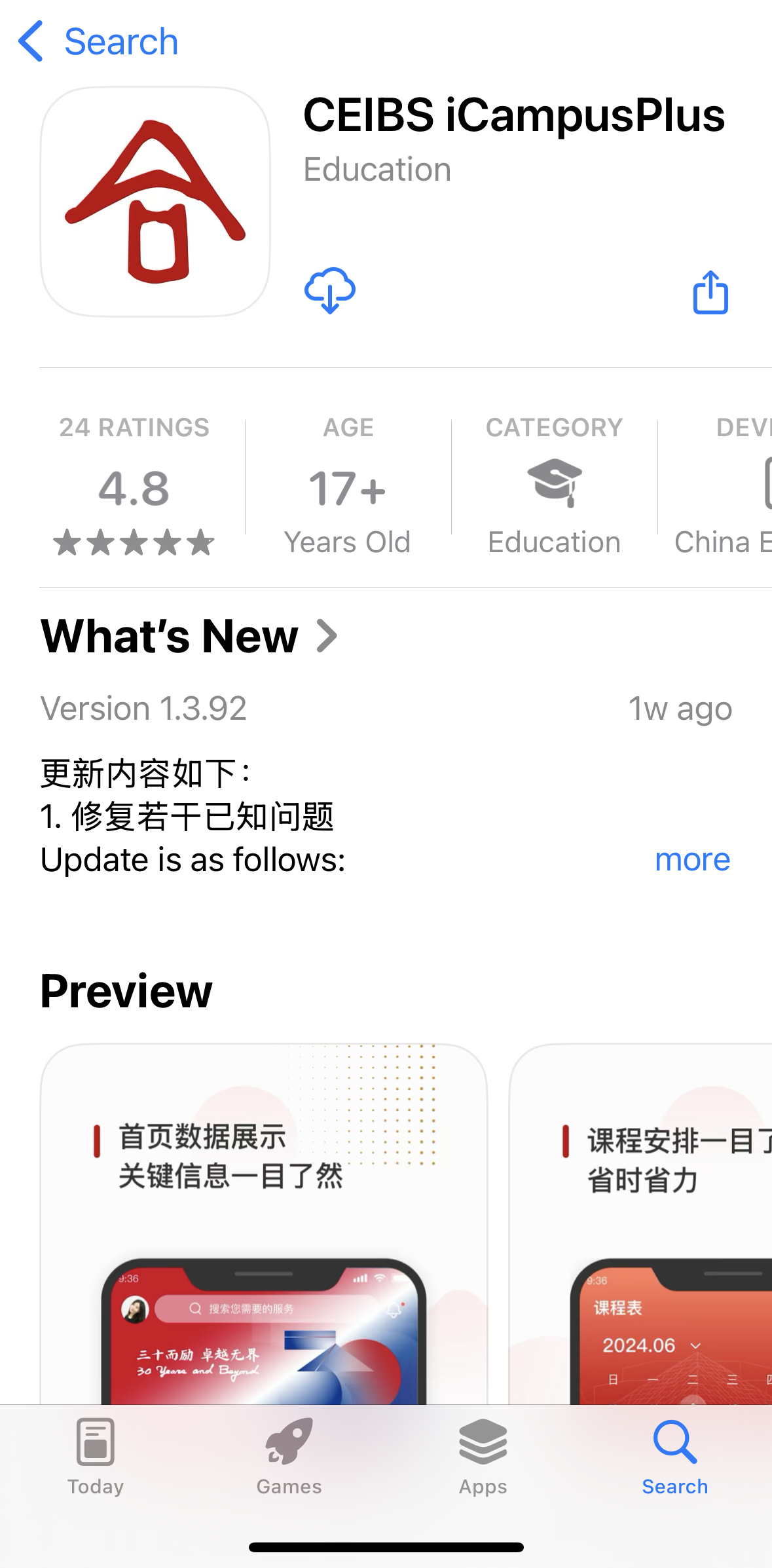
1. Use your phone camera to scan the QR code below to be redirected to the App Store download page, or search for CEIBS iCampusPlus directly in App Store.

2. First-time users should click Get, while users who have downloaded it before should select the download icon.
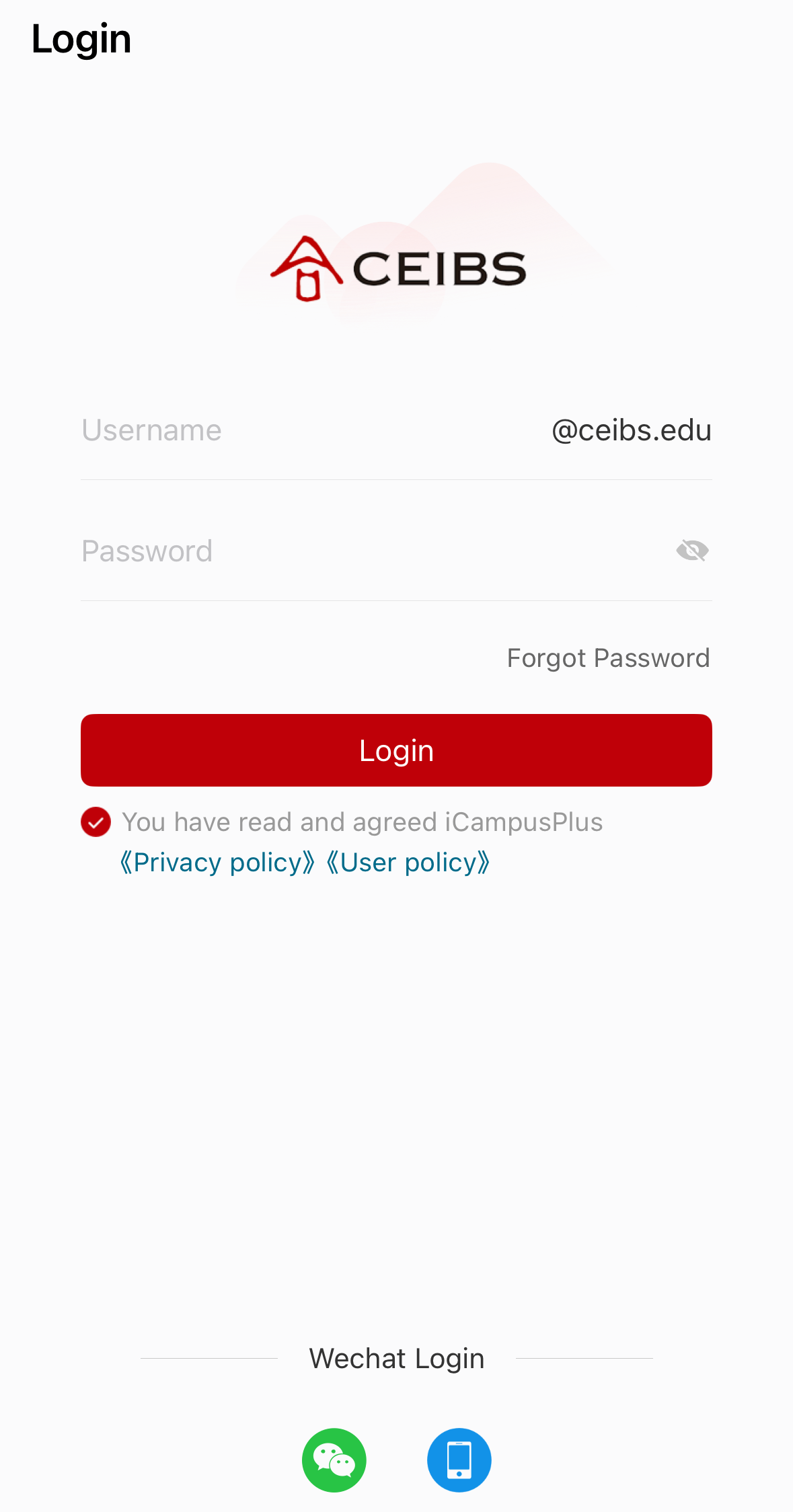
3. Once the download and installation are complete, you can open app and log in using your CEIBS username and password, or using WeChat for login.