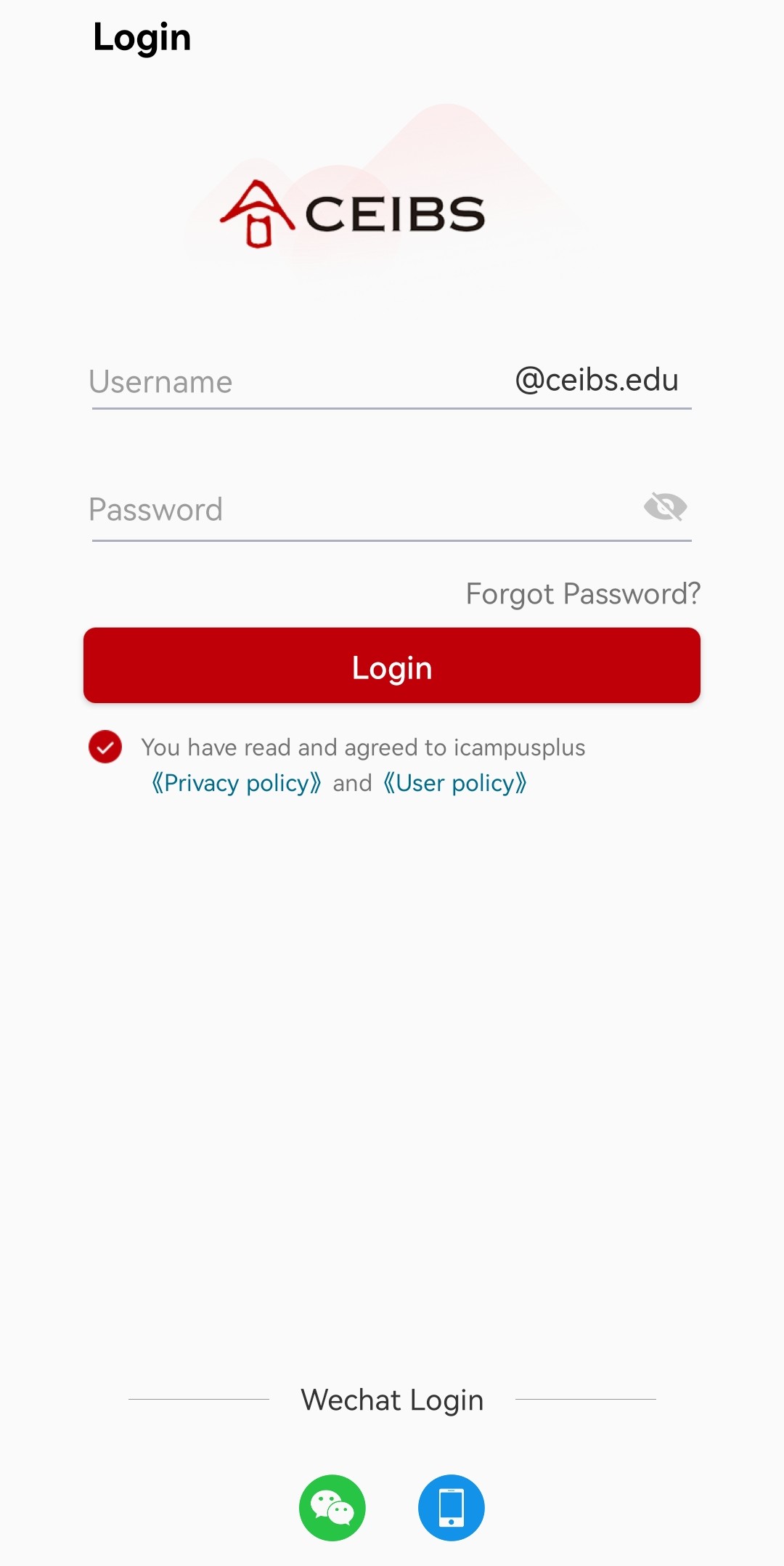
This article will guide employees, faculty, students, and alumni on how to install CEIBS iCampusPlus on Android.
1. Use your phone camera to scan the QR code below to be redirected to the download page (if using WeChat to scan, you'll need to manually switch to the system browser), or search for CEIBS iCampusPlus in the Tencent App Store or Huawei App Gallary.

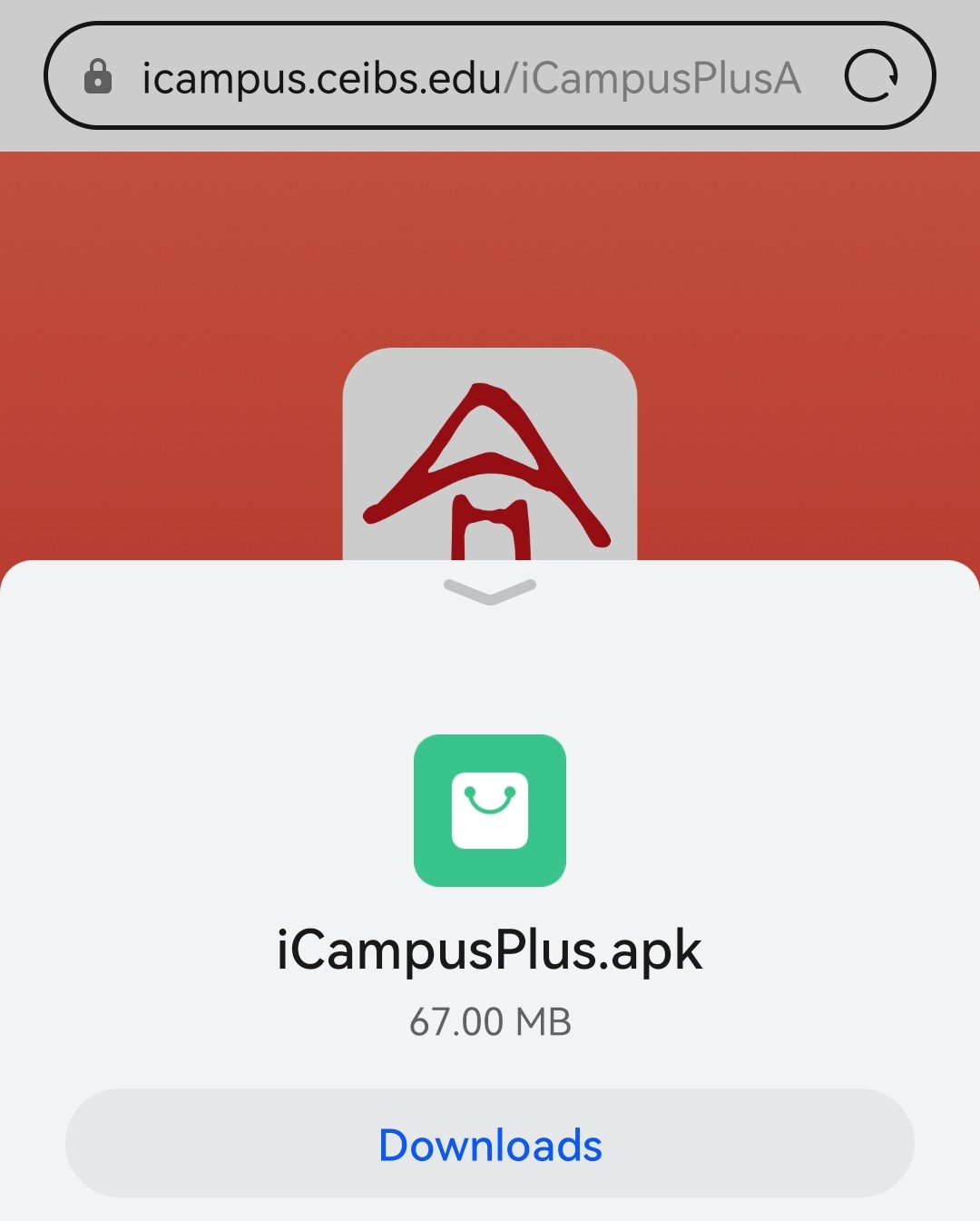
2. Download .apk file and install it.
3. Once the installation is complete, you can open app and log in using your CEIBS username and password, or using WeChat for login.