
This guide helps staff, faculty, and students connect to the CEIBS-A wireless network on campus.
Applicable to the Android platform
- Go to Settings > WLAN and choose CEIBS-A.
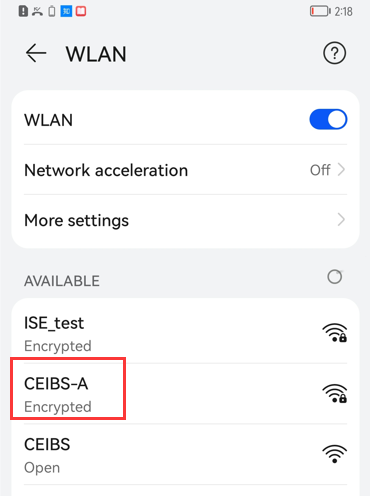
- In the pop-up window,
- Keep PEAP for the EAP method option,
- Keep MSCHAPv2 for the Phase 2 authentication option,
- Select Do not validate for the CA certificate option,
- Enter your CEIBS email address in the Identity field,
- Leave the Anonymous Identity field blank,
- Enter your password,
- Keep all other settings as default,
- Tap Connect.

- Setup complete.